|
Market Master Manager and Market Master Remote can communicate all changes and activities between the home office and field or traveling salespeople. Name and history activity is updated in both directions by simply transferring a small text file via e-mail or any other means. As data is imported and exported, the affected names are updated so everything is completely up to date. It couldn't be simpler. |
|
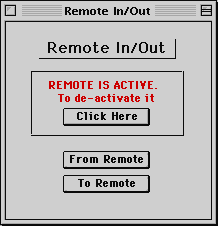
| At the beginning of the work session, import data from the field by clicking "From
Remote" (It doesn't work in this demo). After you've done all your follow-up work, you'll click "To Remote" button. The data will export a file that will update each sales rep's records. If not using Remote, it's best to make sure it is inactive. |
|